I gave this presentation to founders at Startup Grind Frisco.
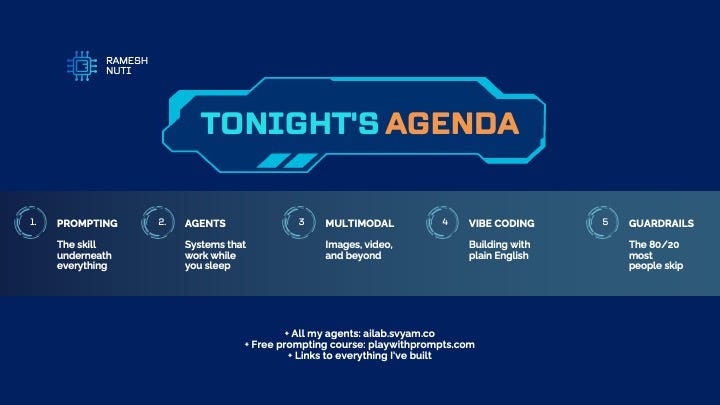
It covers everything I’ve learned building 75+ AI projects:
- The 7 Prompt Ingredients (my prompting framework)
- 5 Vibe Coding Fundamentals
- 4 Levels of AI Thinking
- Tools I use daily
- How to go from idea to app in a weekend
Scroll through the full deck below. Save it. Share it. Use it.
If you want to go deeper, check out my free 14-day prompting course at playwithprompts.com.
I’m sharing my playbook. Not theory. Everything I’ve actually built and learned over the last 3 years.
AI took a new turn in 2025.
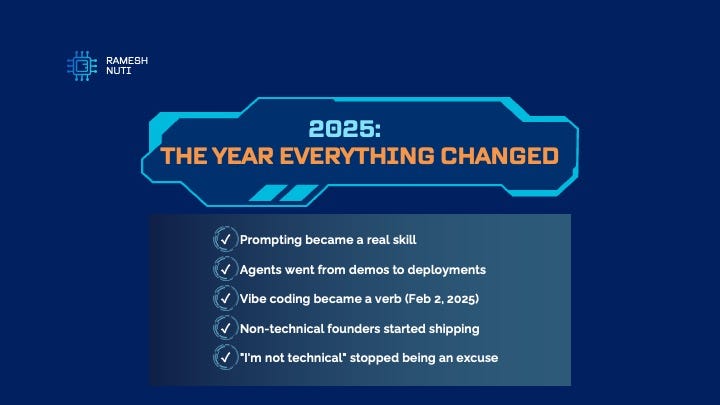
I joined ChatGPT 16 days after it launched in November 2022. I joined Atlas (ChatGPT browser) the same day it came out. I’m a sucker for these tools.
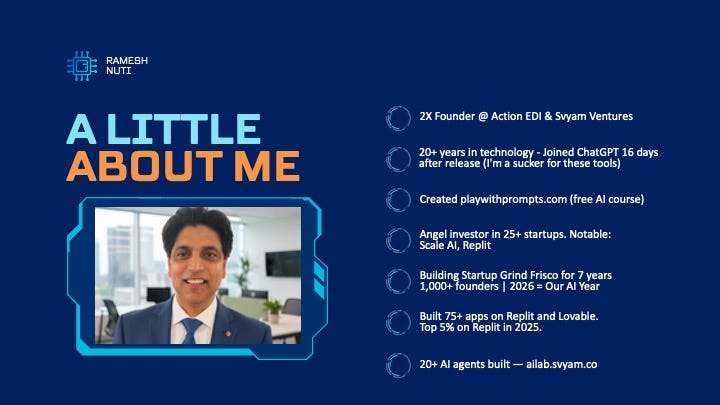
Since then, I’ve built over 20 AI agents, all available publicly at ailab.svyam.co. Steal them. Save yourself hundreds of hours.
By day, I’m the founder of ActionEDI, where we simplify EDI for SMBs. I use AI heavily to build, think, and solve problems.
I also angel invest through Svyam Ventures (25+ investments, founder-first capital) and have been building Startup Grind Frisco for 7 years.
This presentation is everything I’ve learned along the way.
Five skills to master in 2026.
If you only master one skill , make it this one. Every other skill runs on prompting.
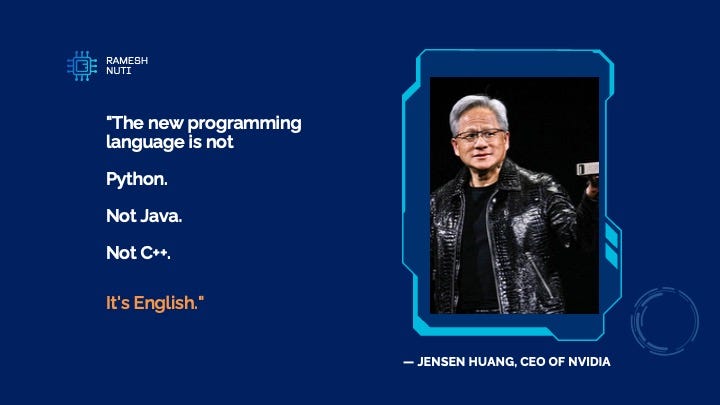
“Jensen Huang said this. I thought it was marketing. Then I built dozens of apps without writing traditional code. He wasn’t exaggerating.”
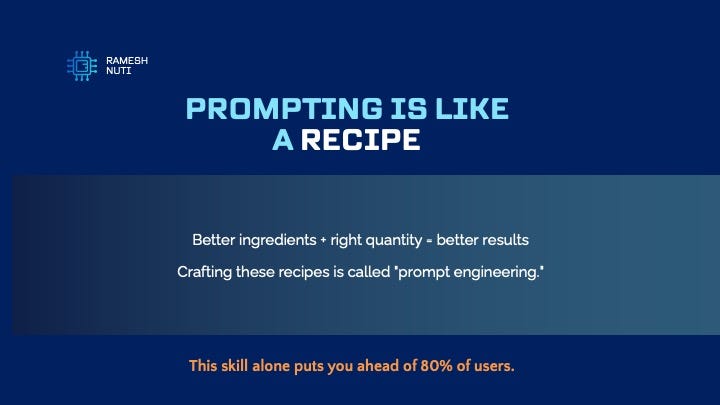
Think of prompting like cooking. Bad ingredients, bad meal. Great ingredients in the right amounts, great meal.
The same is true with AI. The quality of your communication determines the quality of your results.
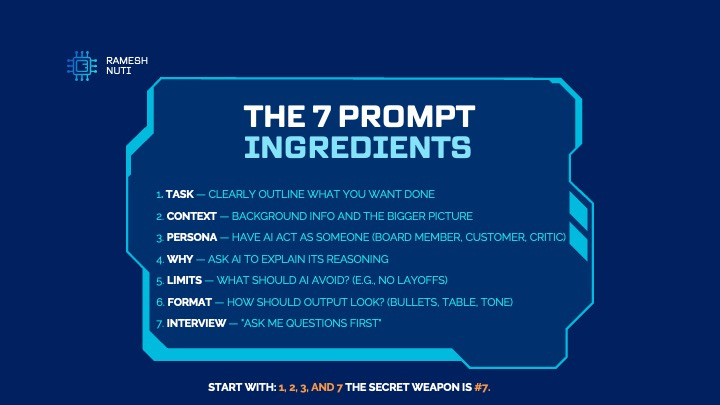
My Favorite, Seven ingredients Prompting framework. You don’t need all seven every time.
- “Task: Be specific about what you want.”
- “Context: Background info helps AI understand nuance.”
- “Persona: Ask AI to act as your ideal customer, a board member, a critical stakeholder. It simulates how that person would respond. Gets you outside your own head.”
- “Why: When AI recommends something, have it explain the reasoning so you can make informed decisions.”
- “Limits: Things you want AI to avoid. Want to cut costs 10% but not by laying people off? That’s a limit.”
- “Format: Specify tone, structure, tables, numbered lists.”
- “Interview: This is the secret. Put AI in the driver’s seat. Have it interview you to pull context out of your head. You’ll find it clarifies YOUR thinking before it even gives an answer.”
“Start with Task, Context, Persona, and Interview. Those four will cover 80% of use cases.”
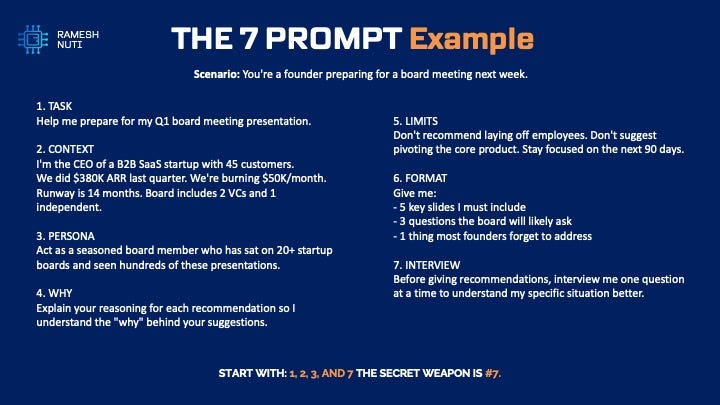
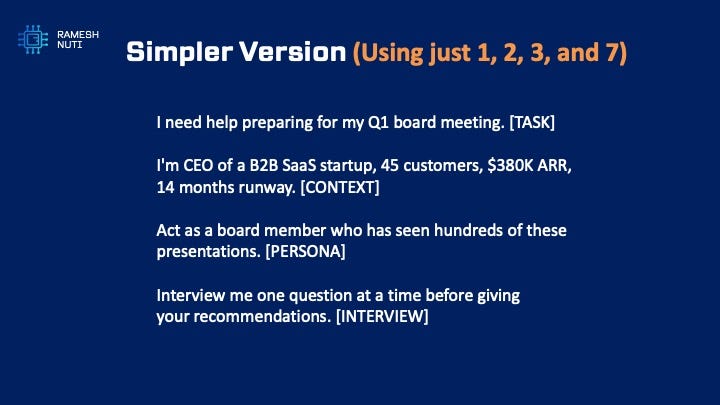
Simpler prompt, but always include the 7 (Interview), that takes the prompt to a whole new level .
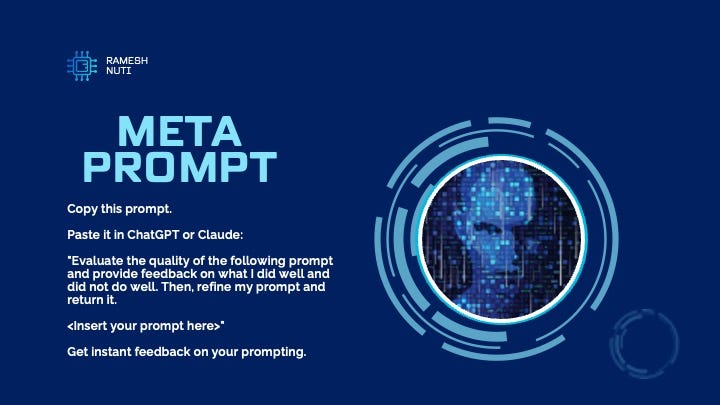
Meta Prompt:
Use this hack to refine your original prompt
Here’s a meta-prompt. Use it to improve your prompts.
“Paste any prompt you’ve written. AI will tell you what you did well, what you missed, and give you a refined version.”
“This is how you get better fast.”
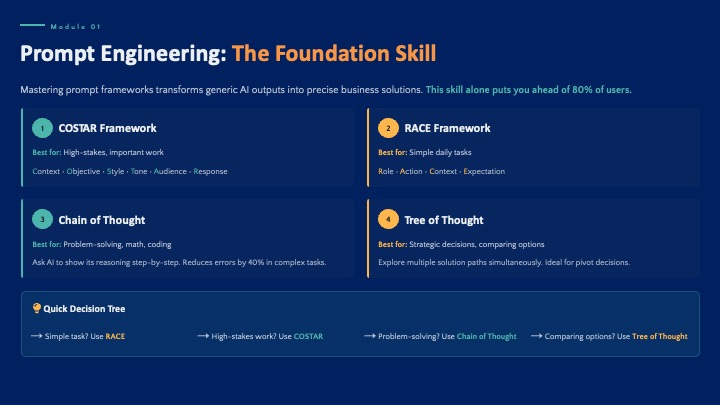
Here are Few more frameworks that are very popular:
If prompting clicks for you, I’ve built a free course at playwithprompts.com.
“Daily exercises, real templates, the frameworks I actually use.”
Agents:
Prompting is one-to-one. You prompt, AI responds. Agents are one-to-many. Build once, runs forever.
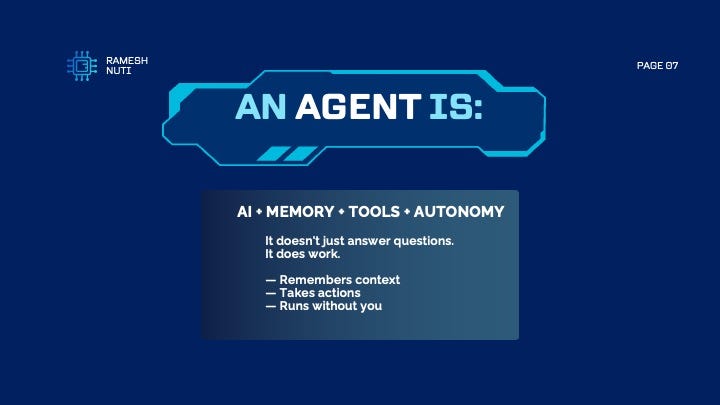
An agent is not a chatbot. A chatbot waits for you. An agent works for you.
Four components: AI brain, memory for context, tools to take actions, autonomy to run independently.
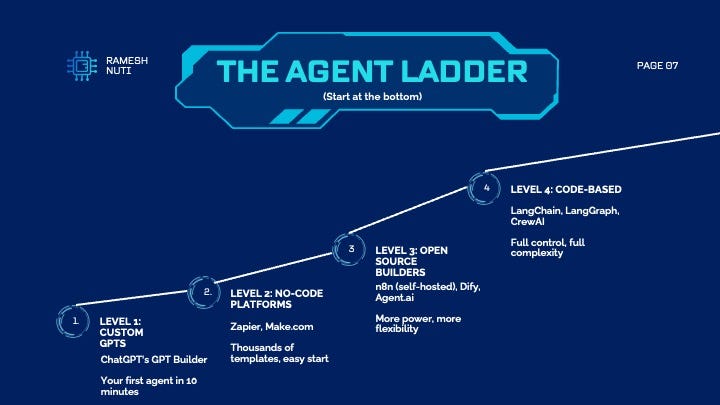
Start at
Level 1. Custom GPTs in ChatGPT. Ten minutes to build your first agent.
Level 2: Zapier and Make.com. Thousands of predefined templates. Very intuitive.
Level 3: Open source like n8n. Self-host, no per-task fees, more control.
Level 4: LangChain, LangGraph when you need full coding control.
Build your first agent today. Not someday. Today.
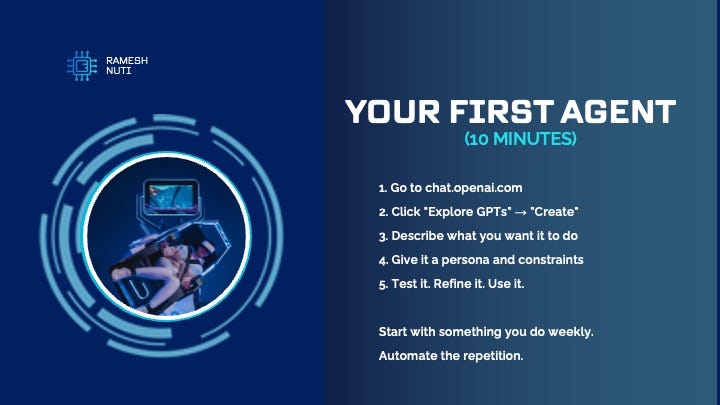
Create a custom GPT. Pick something repetitive. Meeting prep. Research. Email drafting.
“Ten minutes to your first agent.”
If you want some inspiration , steal my agents here.
MultiModal:
AI doesn’t stop at text. Images, video, audio. Same prompting principles apply.
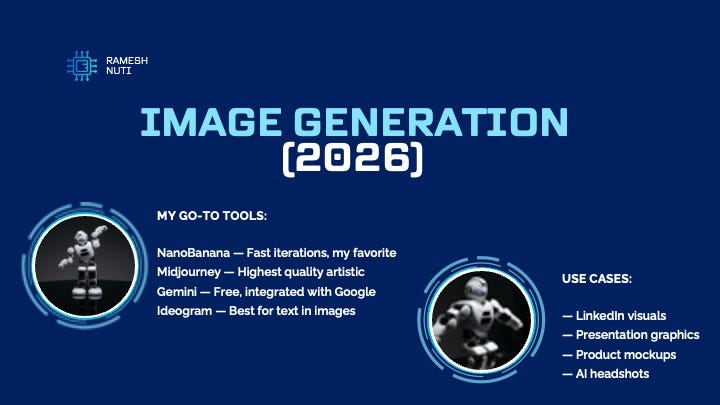
For images, NanoBanana is my current favorite for fast iterations.
Midjourney for high-quality artistic work. Gemini because it’s free. Ideogram when you need text in images.
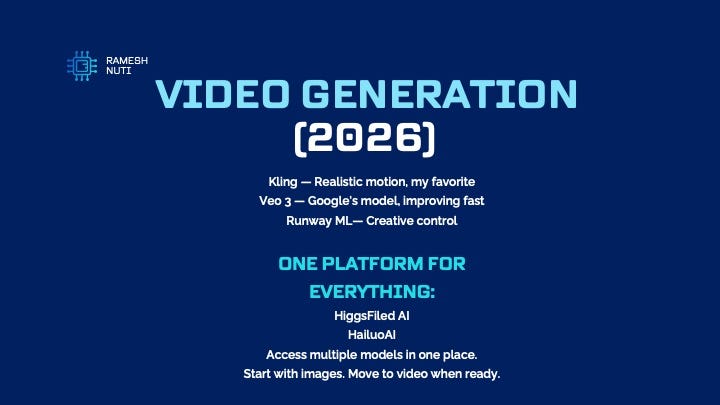
Video generation has gotten usable. Kling is my current favorite for realistic motion.
HiggsField AI or Hailuo AI gives you access to multiple models in one platform.
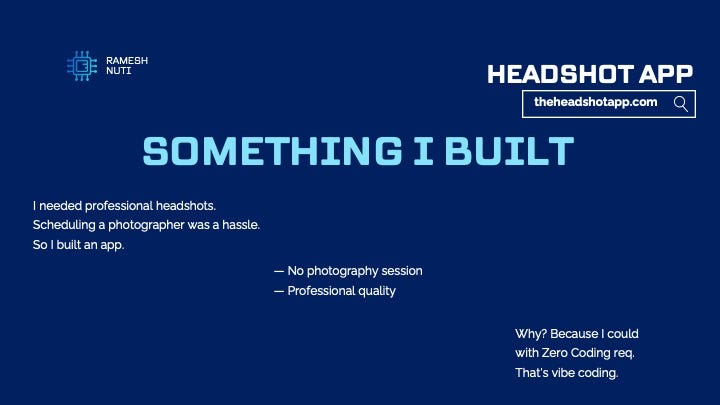
Let me show you what’s possible. I needed headshots. So I built an app.
TheHeadshotApp.com. Upload photos, get professional headshots in seconds.
I built this. working product with zero coding. That’s vibe coding.
VibeCoding:
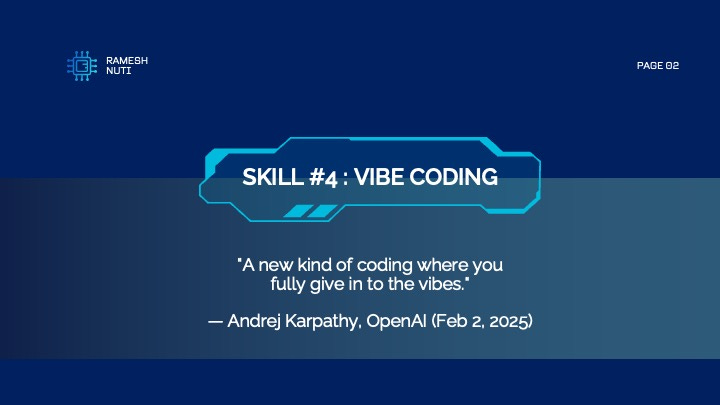
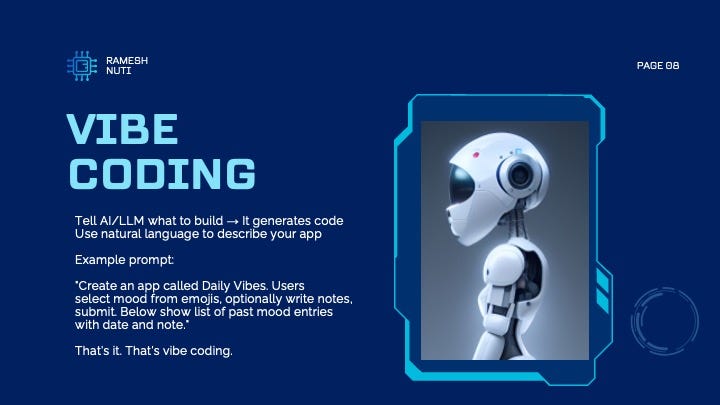
“Andrej Karpathy coined this term on February 2nd, 2025. He’s the former head of AI at Tesla, co-founder of OpenAI.”
His definition: Tell AI what to build in natural language. It generates the code.
Here’s a real example. One prompt. A working app.
“You describe what you want. AI writes the code. You’re the director, AI is the crew.”
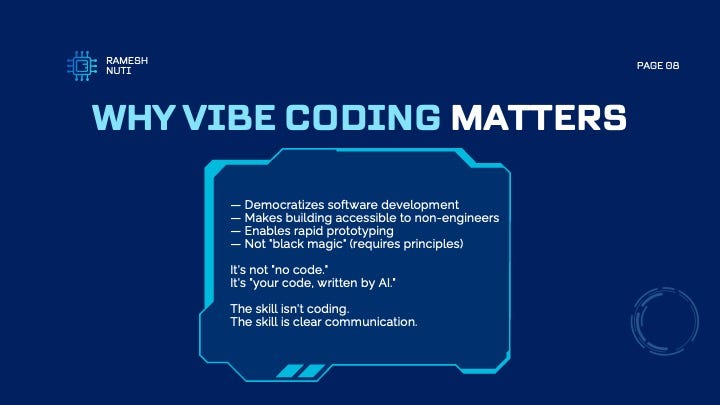
Vibe coding isn’t magic. It requires structured thinking. But it changes who can build.
If you can communicate clearly, you can build software. That’s the revolution.
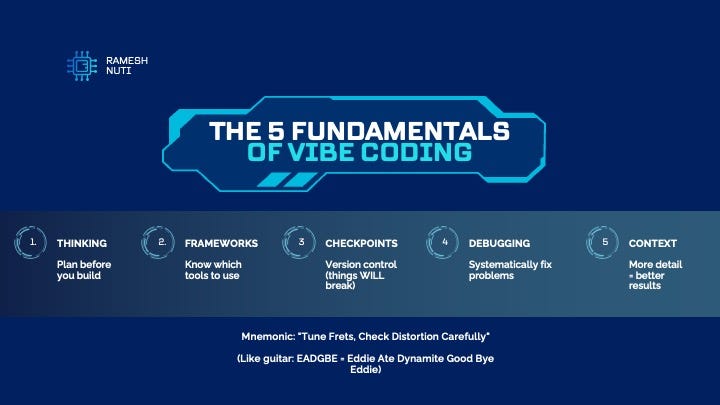
Memorize these Five Vibe Coding fundamentals.
“Thinking, Frameworks, Checkpoints, Debugging, Context.”
Mnemonic: Tune Frets, Check Distortion Carefully.
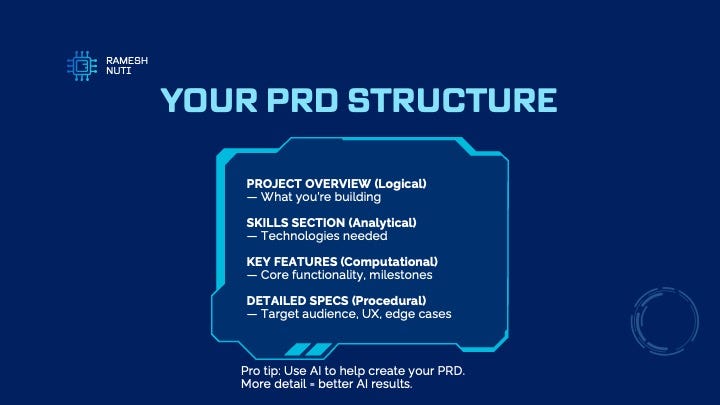
Before you write a single prompt, think through four levels.
Logical: What are you building? Analytical: How does it work? Computational: What are the rules? Procedural: How do you make it great?
This becomes your Product Requirements Document. The more detail here, the better your results.
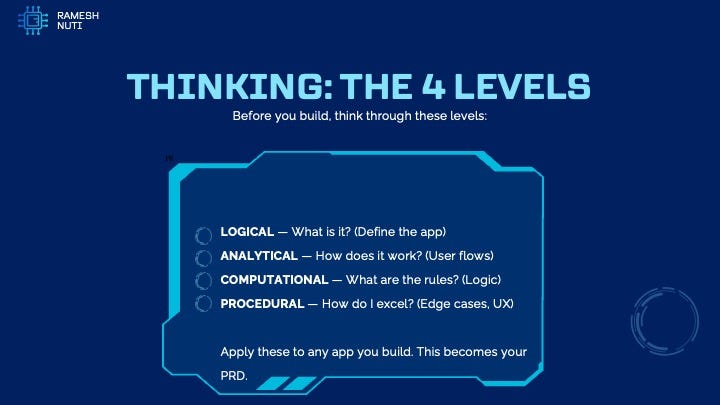
PRD stands for Product Requirements Document. It’s your blueprint.
Pro tip: Use ChatGPT to help you create the PRD. Prompt it with your idea, have it ask you questions, let it generate the document.”
I have a created a PRD GPT, ← here is the link:
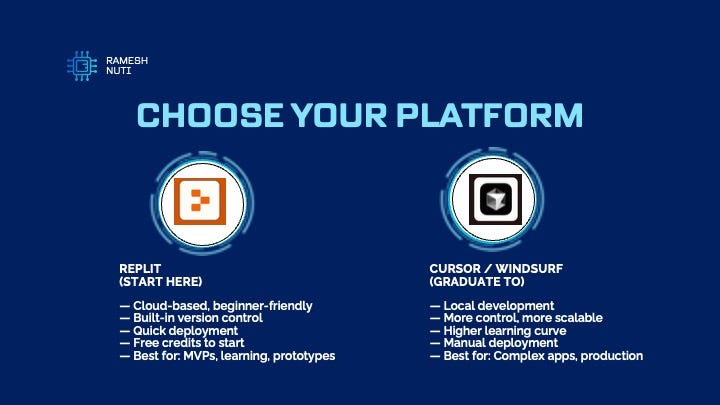
Start with Replit. It’s cloud-based, beginner-friendly, has built-in version control, and you can deploy fast.
Create your Free Replit Account and get $10 in free credits ←
When you’re ready for more complex apps, graduate to Cursor or Windsurf. More control, but steeper learning curve.
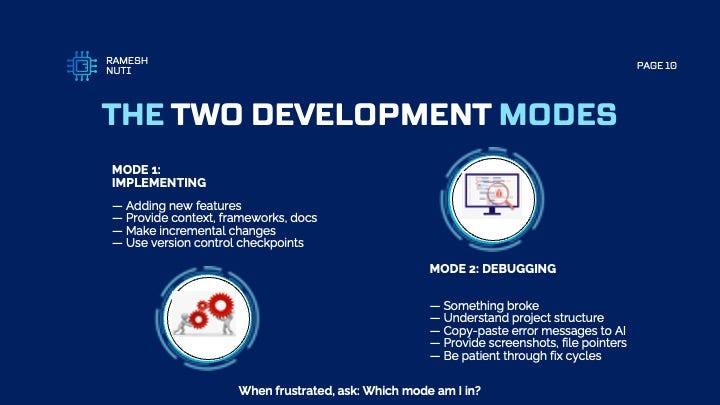
This framework saved me hours of frustration.
When you’re stuck, ask yourself: Am I implementing or debugging? Each mode has different actions.
Implementation: give context, make small changes, checkpoint often.
Debugging: understand the structure, give AI the error messages, be patient.
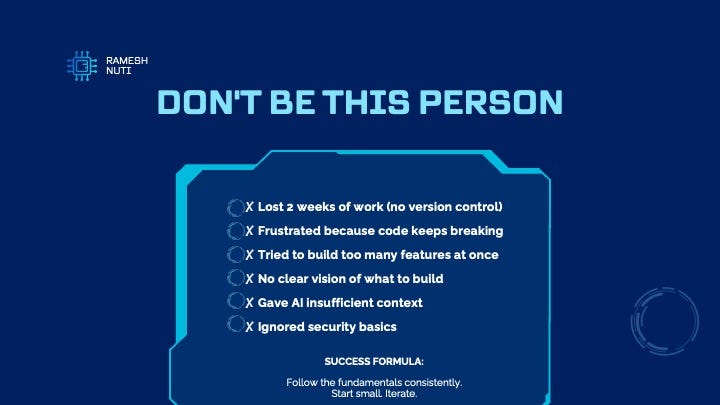
I’ve seen all of these. I’ve done some of these.
“The most common mistake: trying to build everything at once. Start with MVP. Get it working. Then add features.”
Version control is non-negotiable. Things WILL break.
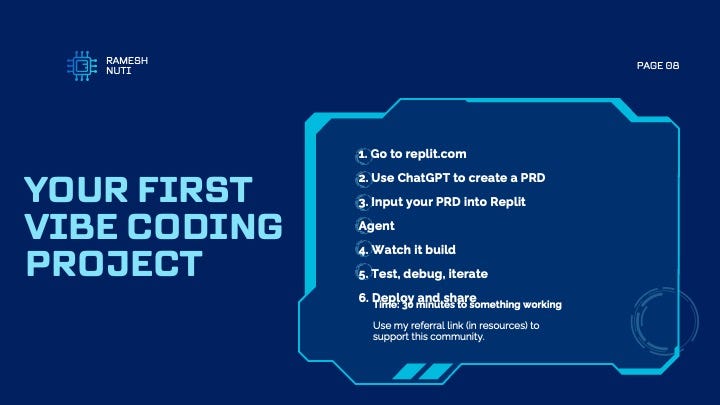
Today. Go to Replit. Create something.
Use ChatGPT to generate a PRD first. Then paste it into Replit.
Thirty minutes to something working. That’s the reality now.
Guardrails:
Last skill. The one everyone skips.
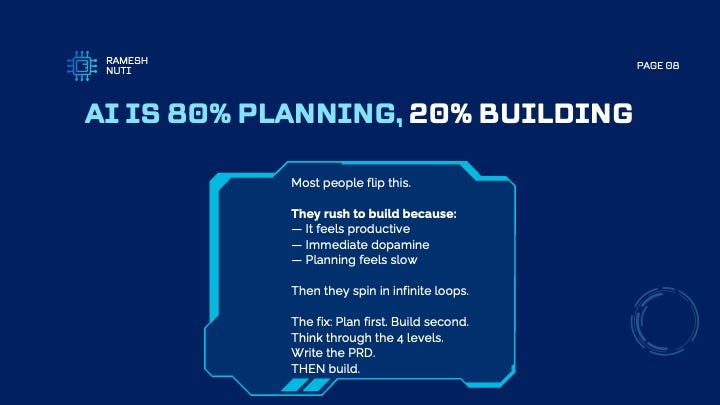
This is the uncomfortable truth. Building is easy now. Planning is where the leverage is.
I’ve watched people, including myself, rush to build, then realize they built the wrong thing. Or built something that can’t scale.
Always , “80% planning, 20% building. Not the other way around.”
A few non-negotiables.
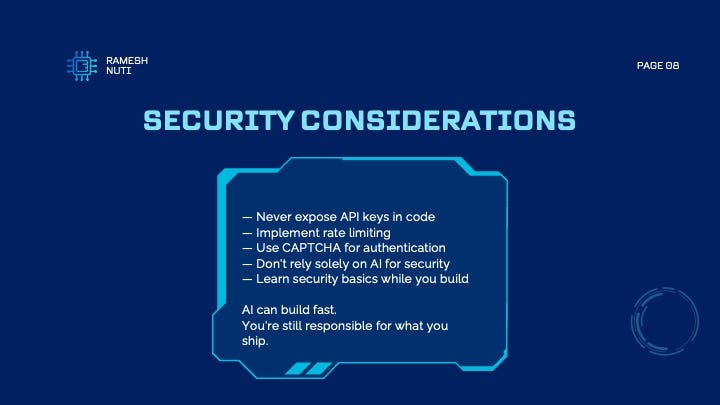
Never expose API keys. Implement rate limiting to control costs. Use CAPTCHA on signup pages.
Don’t rely only on AI for security. Learn the basics yourself.
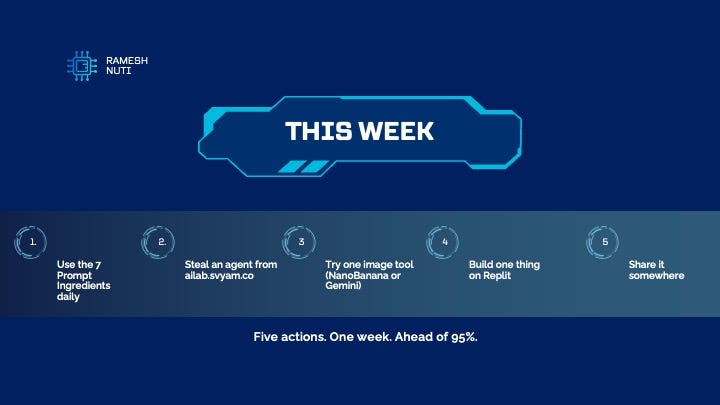
Okay this week , Put this to work
One more thing (Bonus)
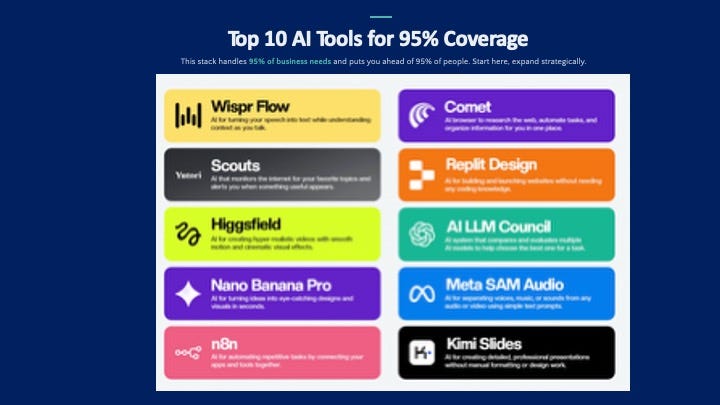
I have tested hundreds of AI tools and here are the ten tools that can help you get started. If you experiment with these tools, you will be above 95% of the people, I have made an assumption that by now people are already familiar with ChatGPT, Gemini, and Claude as the basic chatbots and have a basic understanding. Hence I excluded them from this list.
I’m not special. I have the same tools you do.
The difference is I started. I built. I failed. I kept going.
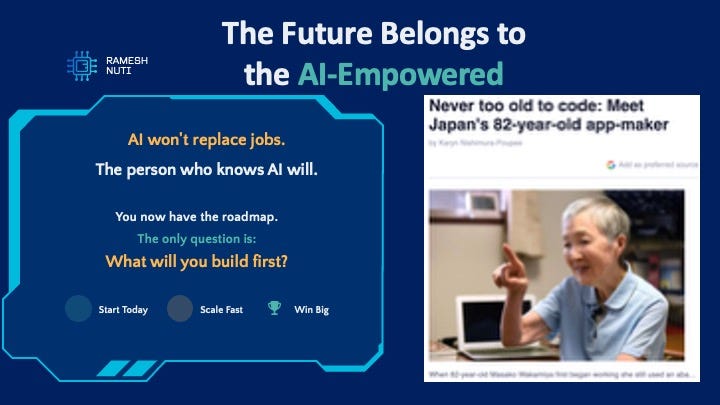
In Japan an 82-year-old built an app and she’s the oldest one to build an app and to have an app listed on the App Store , What’s your excuse?
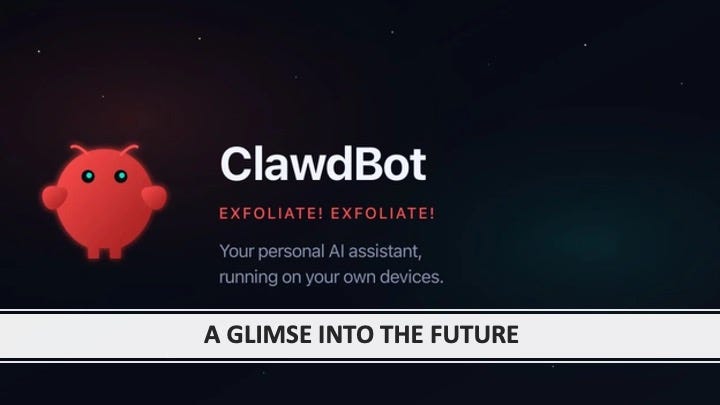
We have entered into a new era altogether. A vision into what is future. By ClawdBot/MaltBot/OpenClaw, I will create an entire post on this one next, Stay tuned.
Thanks for reading through the entire deck.
If you found this valuable:
1. Share it with a founder who needs it
2. Subscribe if you want more like this
3. Try the free 14-day course at playwithprompts.com
4, Be a part of Startup Grind Frisco ← register for free
I’m building in public and sharing everything I learn. Follow along.
See you at the next Startup Grind Frisco event.
— Ramesh